Pre-release
Kith is under active development. Formats and behavior can change between releases, and mistakes can break your servers. Back up anything you can't afford to lose.
Usage
kith with no arguments launches the TUI. kith --version prints the installed version and kith --help lists the available flags; both exit immediately without starting the interface.
Server list
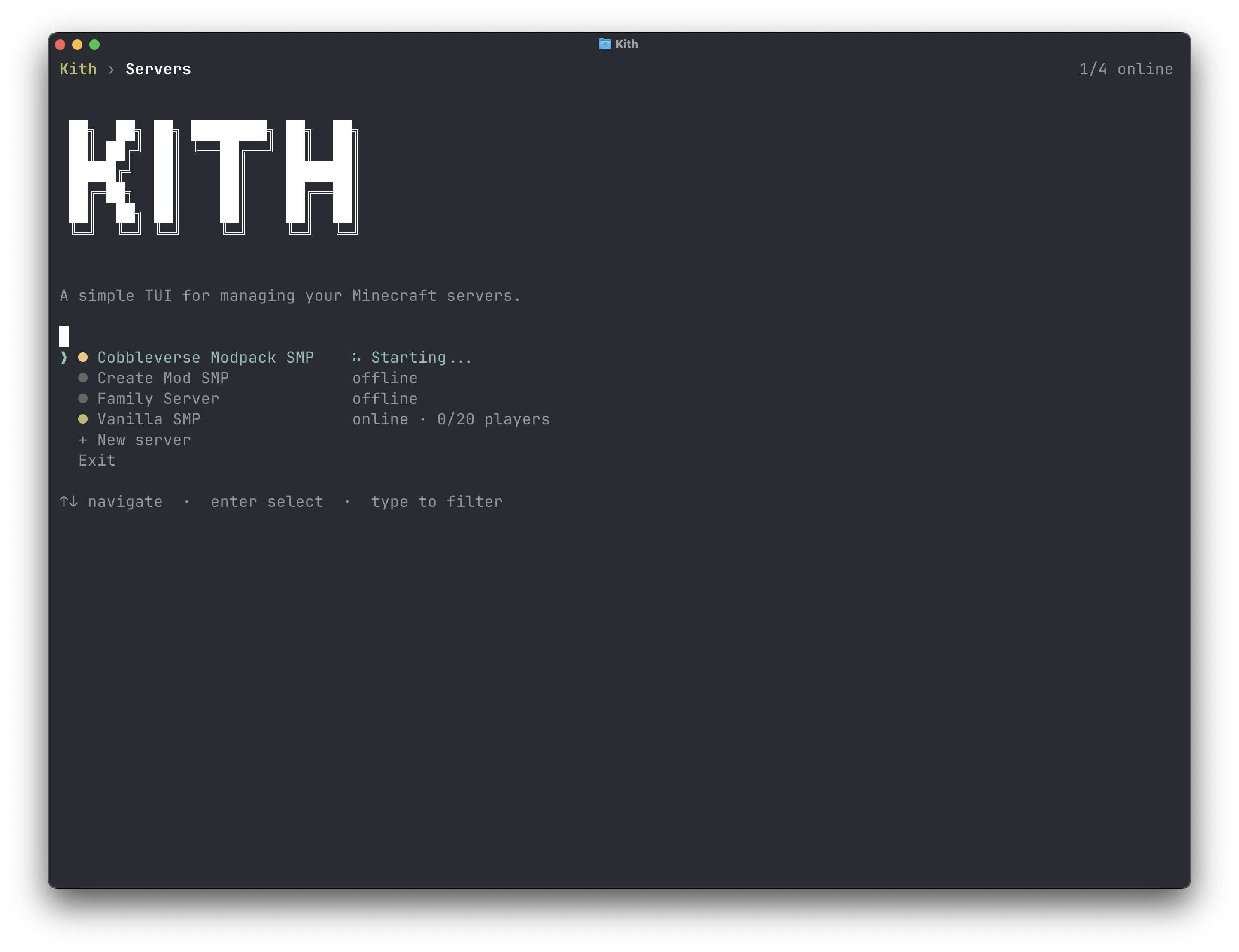
The home screen shows live status and player counts for every server. From here you pick a server to work with, or create a new one.
Creating a server
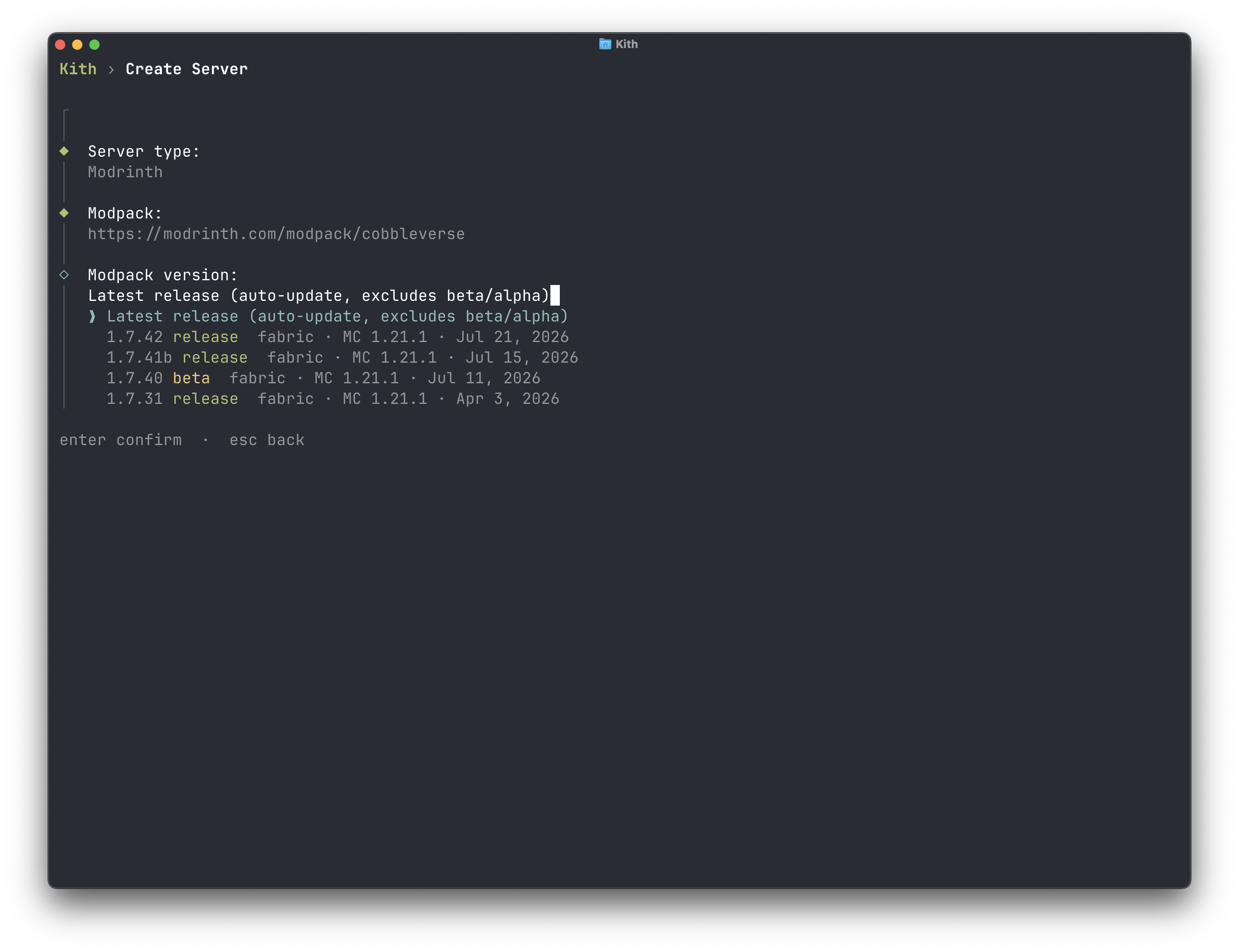
The server wizard walks you through creating a server. Based on the server type you choose, it will prompt for the necessary information, such as a modpack link and version for modded servers or minecraft version for vanilla servers.
The port field is optional. Leave it unset and kith assigns the first port in the configured range (KITH_PORT_RANGE, default 25565-25665) that no other managed server is using and that is free on the host. See Configuration.
Server details
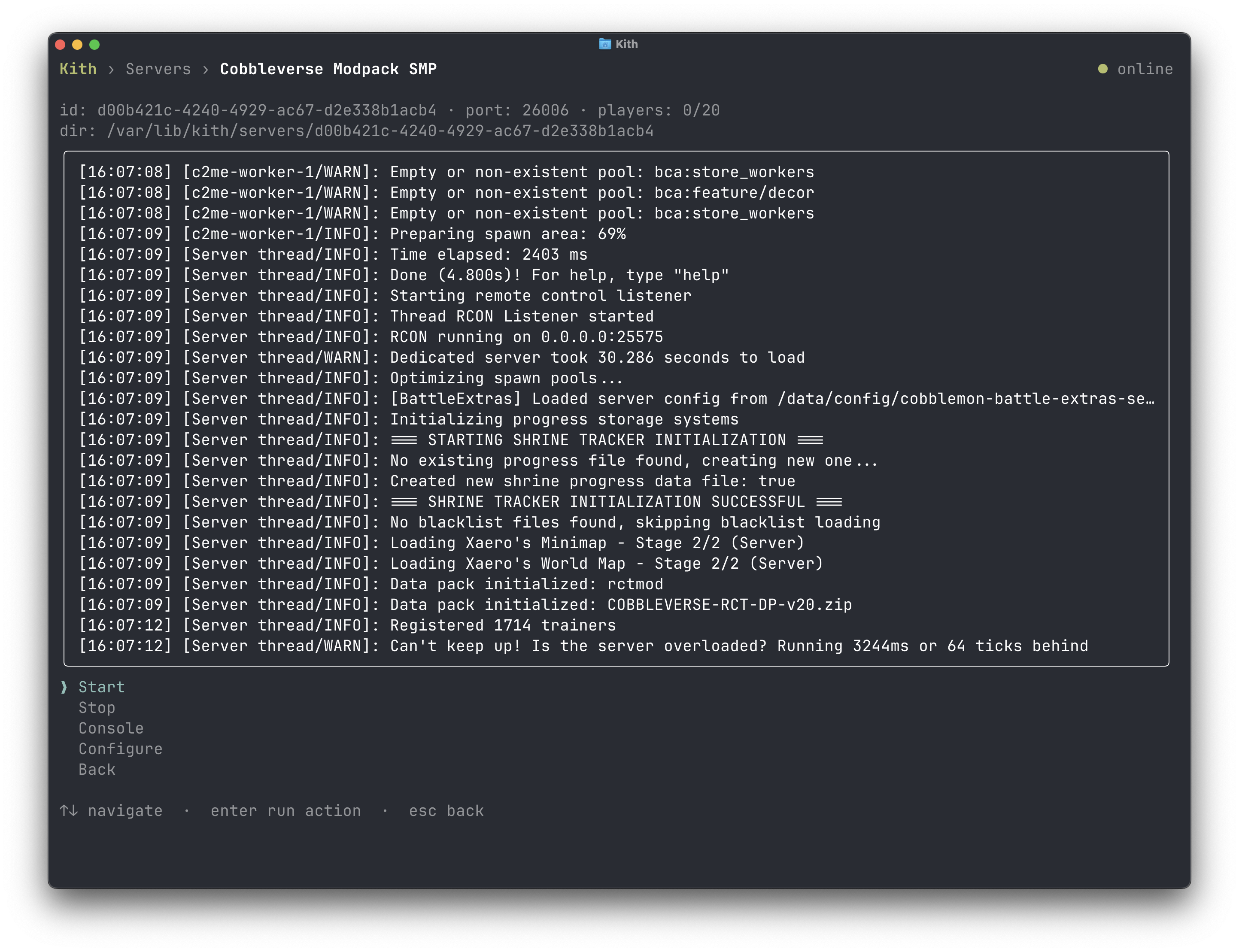
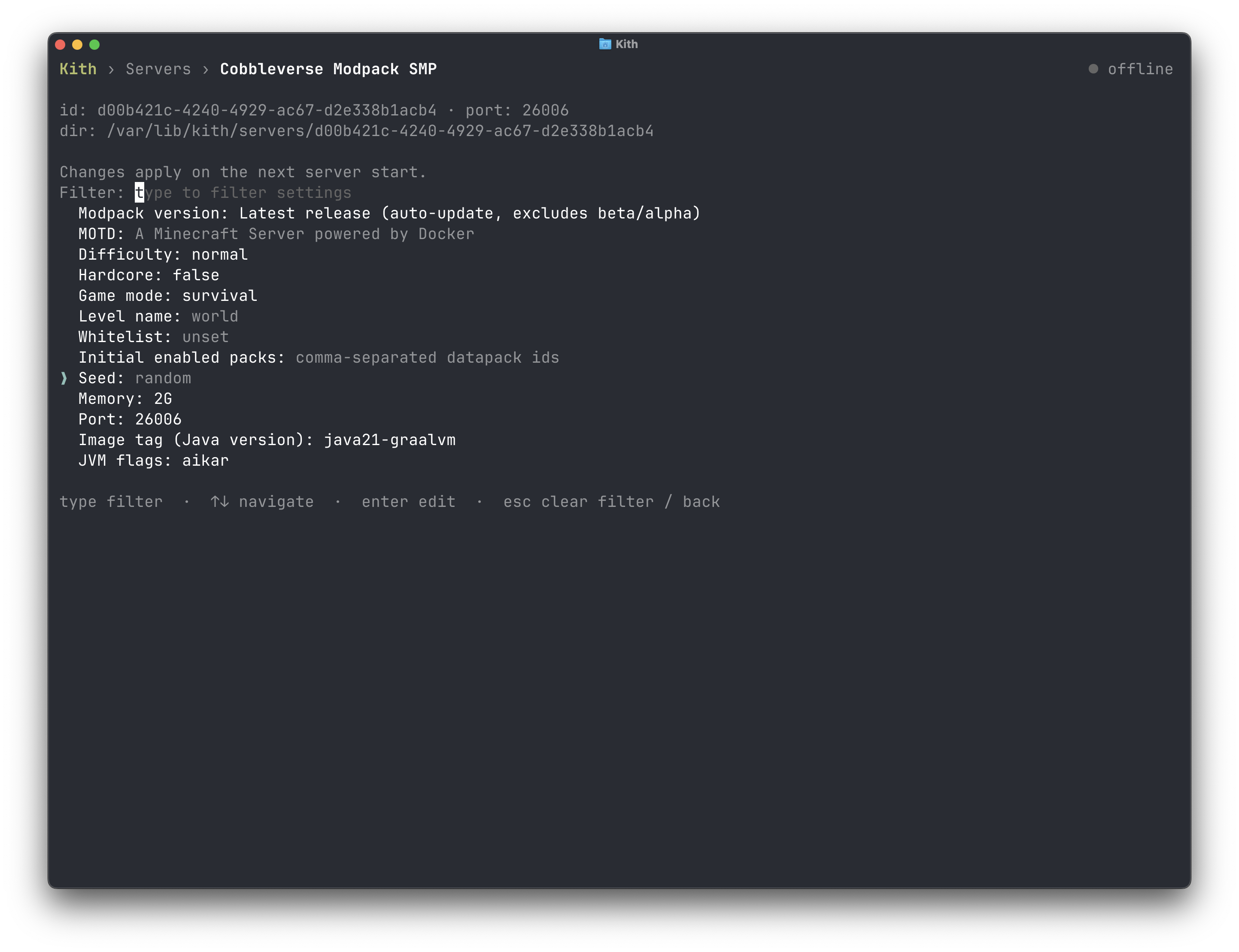
Select a server to manage it: start and stop it, see live logs, run console commands, and edit memory allocation, port, version, and modpack settings.
Console
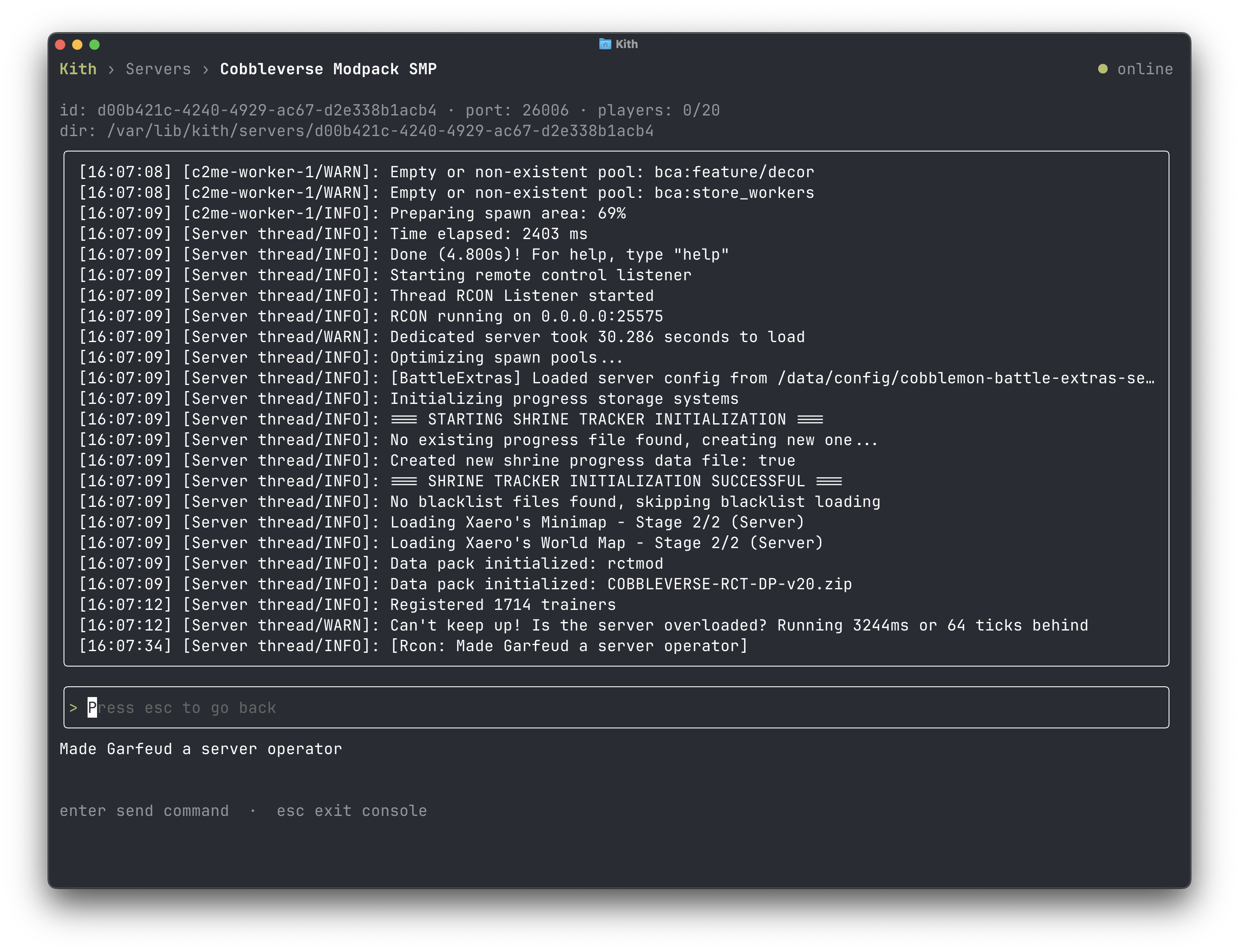
Watch live logs and run console commands without leaving the app.
Configure
Edit memory, port, version, and modpack settings per server. Kith rewrites the server's docker-compose.yml on changes, preserving anything it doesn't manage. The game port is published with matching host and container ports (the container's SERVER_PORT is set to match), so changing the port rewrites both sides of the mapping and leaves any other published ports (voice chat, web maps) untouched.
Backups
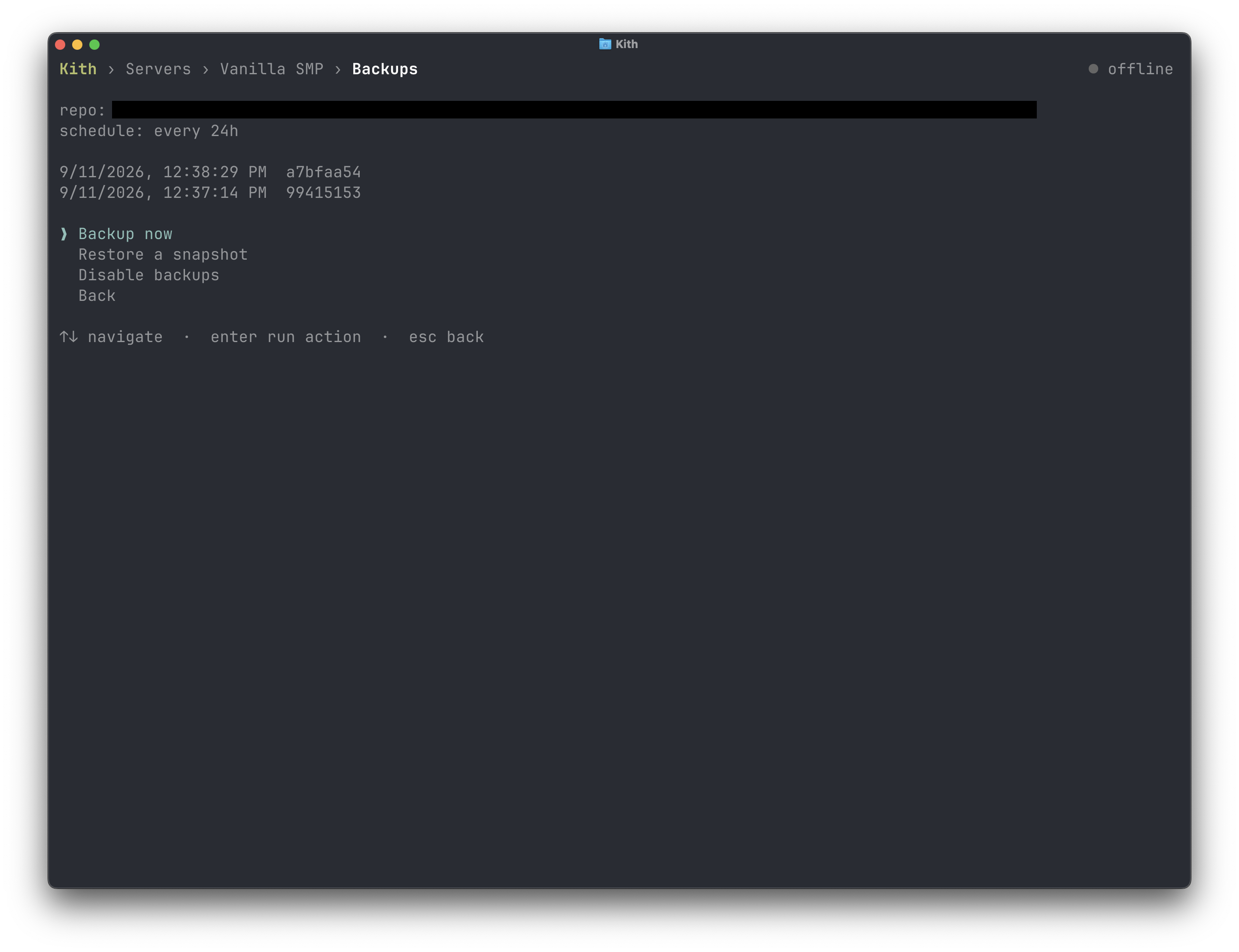
Take snapshots on demand, browse snapshot history, restore to any snapshot. See Backups.
How it works
Each server is a directory under KITH_SERVERS_DIR (~/.local/share/kith/servers by default) containing:
docker-compose.yml, the server definition. A standard compose file you can read and edit.patches.json, your config patches, re-applied on every start. See Patching mod configs.data/, the server's live data: world,server.properties, mods, plugins. Mounted into the container at/data.
Kith creates every compose file with defaults suited to long-running servers: the container restarts unless you stop it (restart: unless-stopped, so servers come back after a Docker or host restart), gets a one-minute grace period to save the world on stop, runs with Aikar's JVM flags (USE_AIKAR_FLAGS), re-pulls its image daily, and rotates its container logs (10 MB across 5 files). All of these are ordinary compose options you can change by hand.
Everything in there is yours. Edit configs directly, drop files into data/, add services to the compose file. Kith only rewrites the parts it manages and preserves the rest. Servers are ordinary Docker Compose projects, so docker compose commands work in the directory too.
Removing a server
Stop it, then delete or move its directory out of KITH_SERVERS_DIR. There's no delete command in the app yet. The directory is the server, so removing it removes the server. Backup repositories live separately under KITH_BASE_BACKUP_DEST and aren't touched.